


Short Film15s
720p
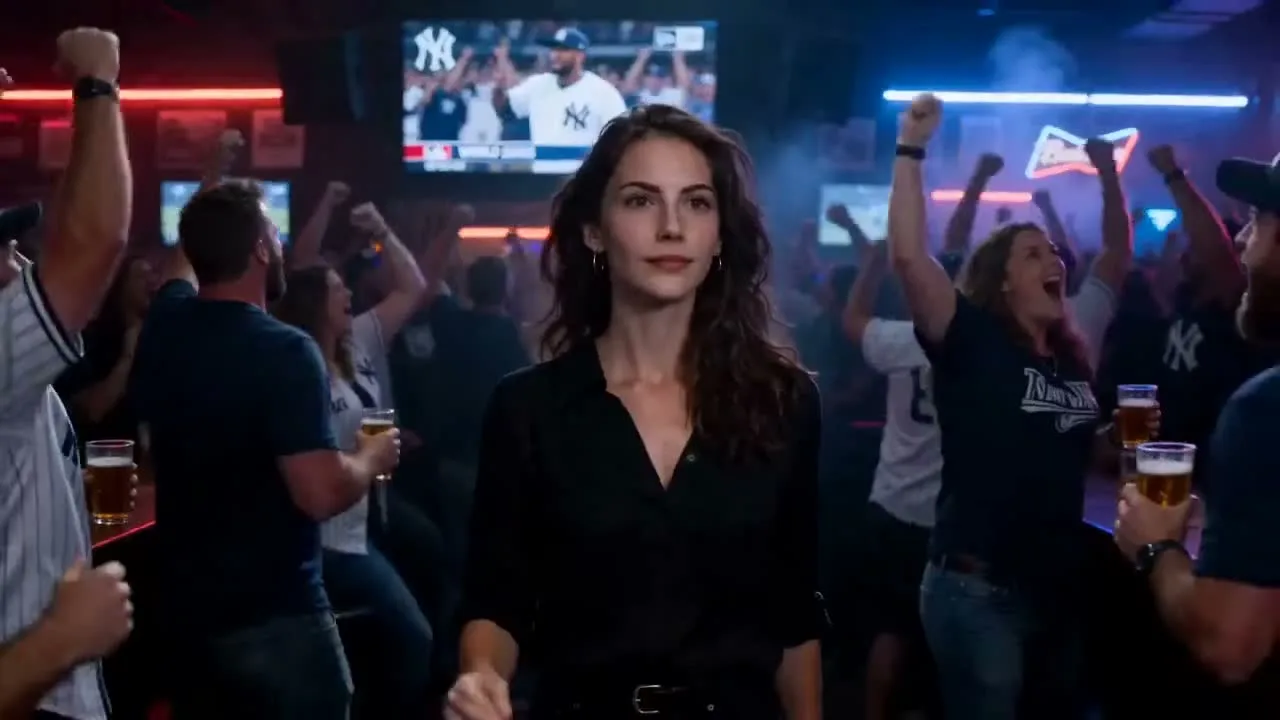
Time-Freeze Sports Bar
A text-to-video scene with neon bar lighting, suspended motion, and a snap-triggered return to full celebration.
Start with a text prompt or reference image, then generate with the model and mode that fit your shot.
A vertical city-and-ocean action shot with fast downhill motion, stylized color, and short-form energy.
Use this promptTurn food or product details into a close-up social video with splash motion, texture, and appetizing light.
Use this promptCreate calming vertical nature footage with flowing water, green foliage, flowers, and soft sunlight.
Use this promptAnimate a branded beauty card or package reveal for ads, creator posts, and campaign teasers.
Use this promptA warm lifestyle moment with champagne, ocean light, and cinematic social-video pacing.
Use this promptAI Video Examples
Explore how prompts, reference images, camera directions, and visual styles shape the final video. Use the examples to decide whether your next shot should begin with text or an image.
A text-to-video scene with neon bar lighting, suspended motion, and a snap-triggered return to full celebration.

A product still becomes a polished AI video reveal with a camera push, glow, studio reflections, and commercial-ready motion.
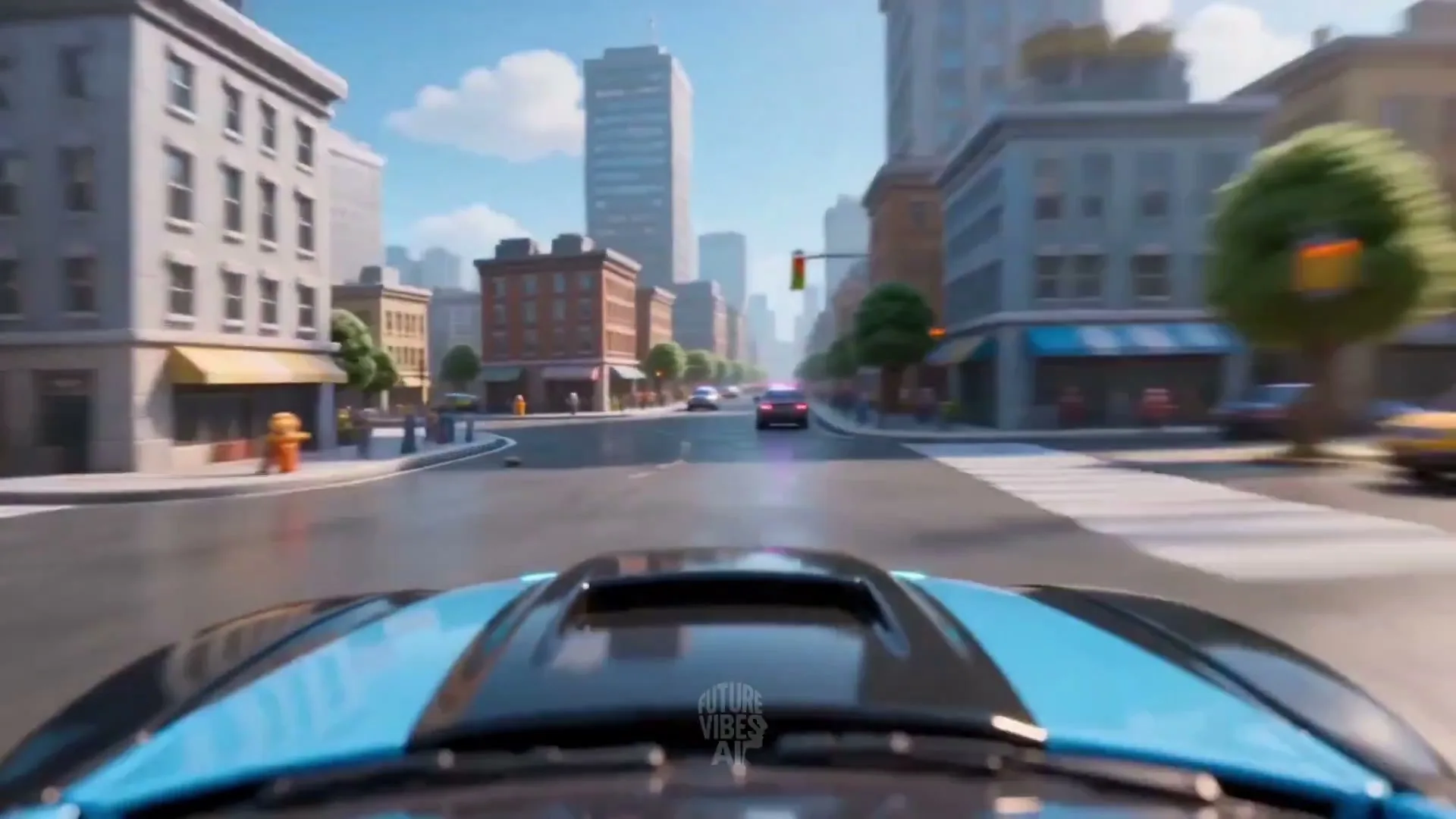
A lower-cost AI video concept with fast camera moves, playful effects, and a vertical cut ready for short-form channels.
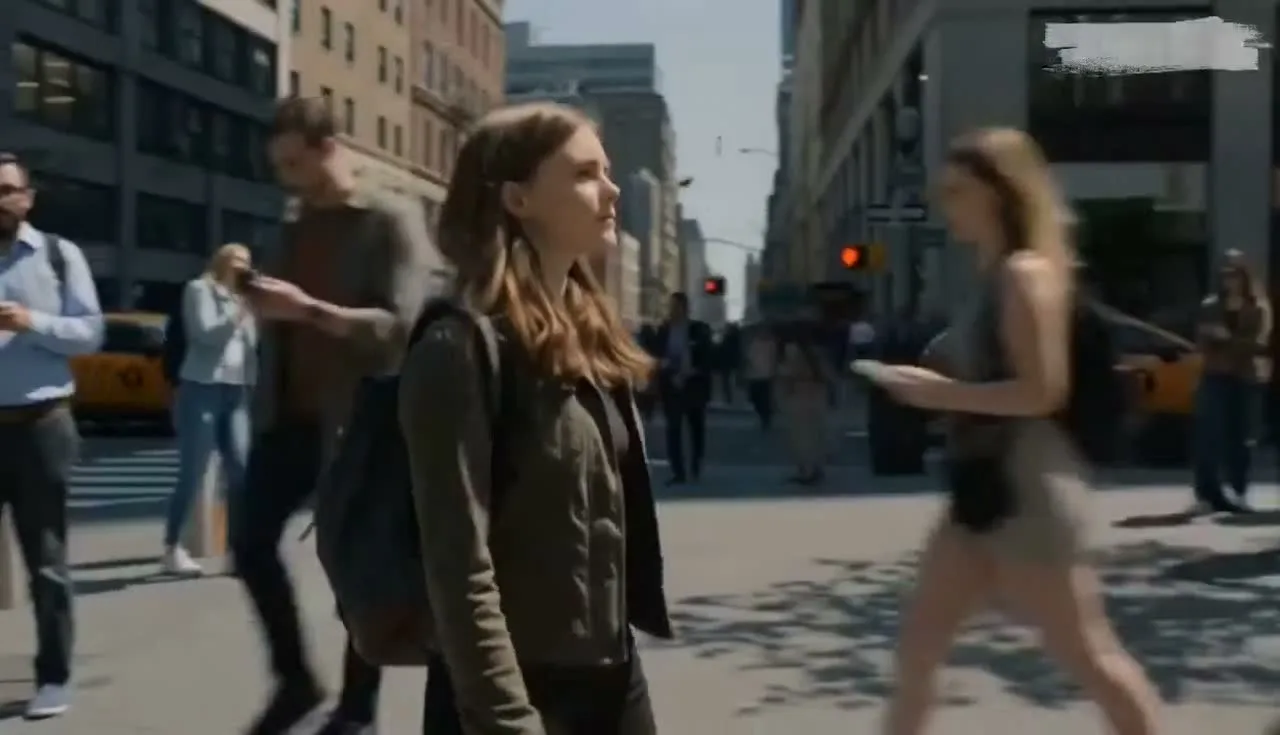
A cinematic prompt where a daylight city scene freezes into silence, then restores motion with a reverse shockwave.
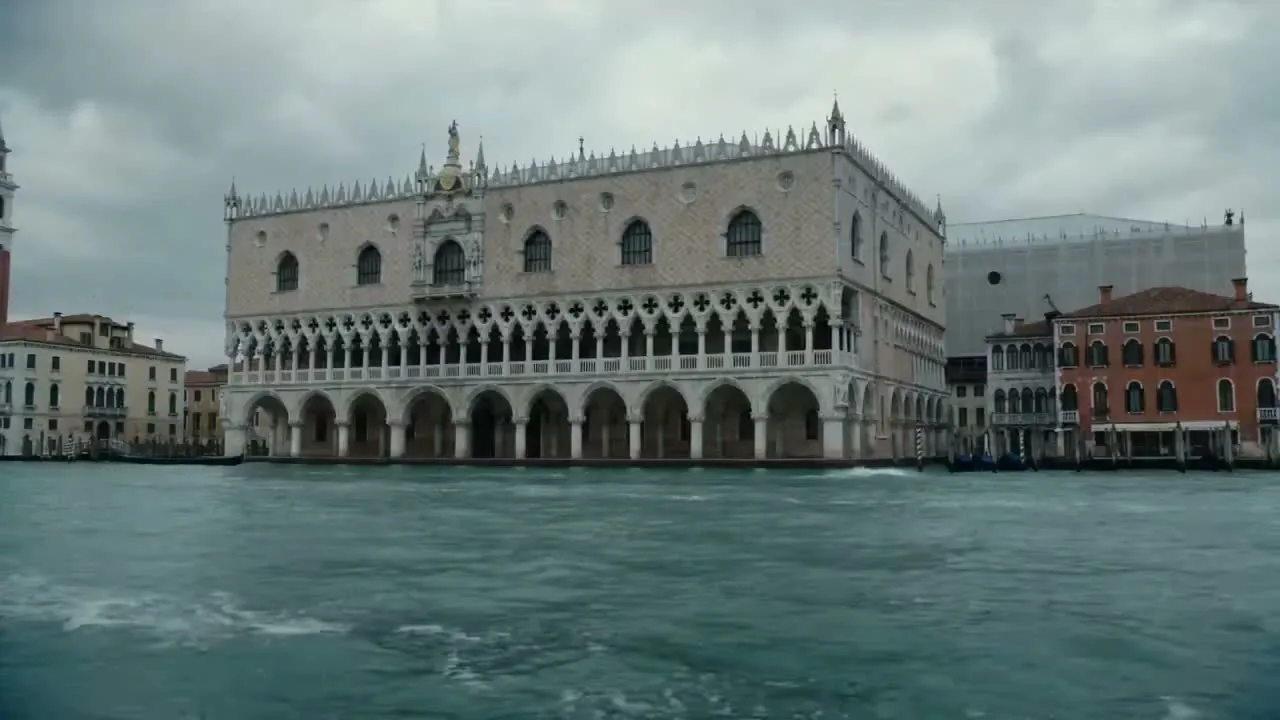
A surreal AI video reveal over historic architecture, built to demonstrate water, scale, and dramatic camera movement.
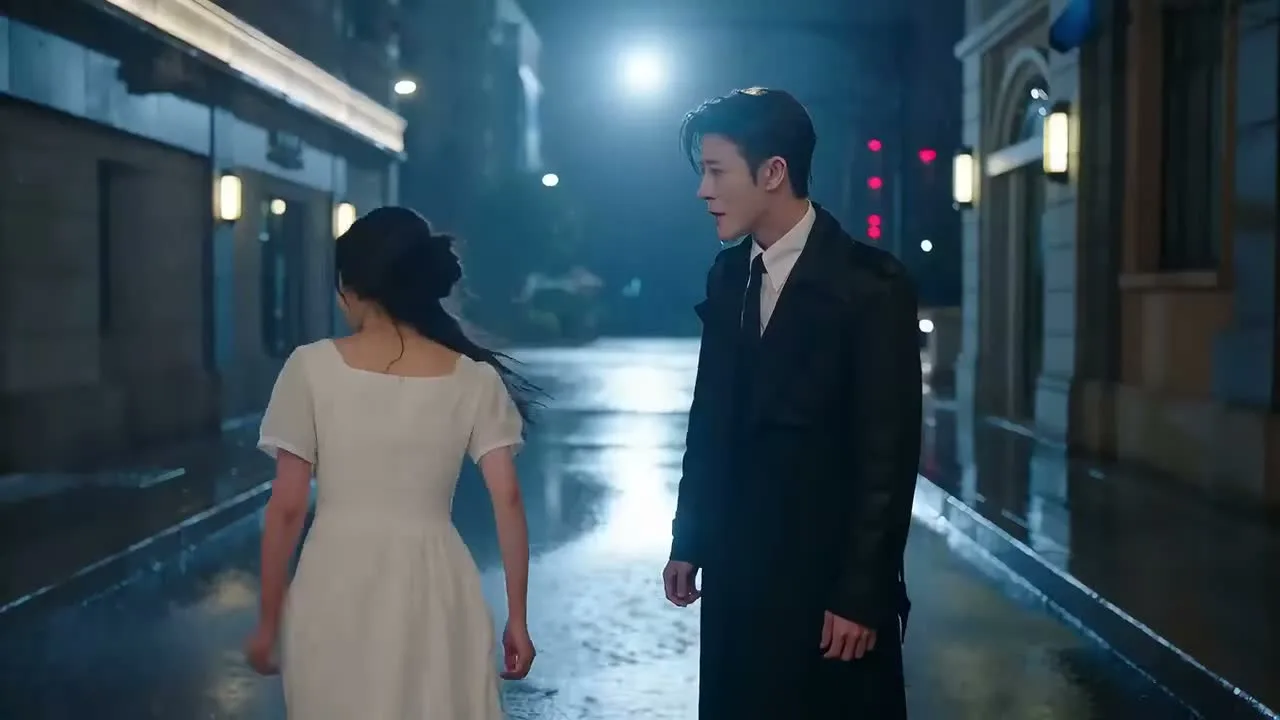
A story clip sequence with rapid cuts, close-ups, expressive lighting, and a creator-friendly narrative arc.
SOTA AI Video Models
Compare leading video models by audio, motion, references, speed, and credit cost. SOTA means the strongest fit for a specific job—not one permanent winner.

Google video model
Best fit: cinematic video with generated audio
Choose Veo when the brief depends on synchronized sound, polished cinematic framing, and strong prompt interpretation.
Read the model guide
OpenAI video model
Best fit: prompt-led scenes and visual exploration
Use Sora for concept exploration, narrative shots, and prompts that need flexible visual interpretation before production.
Read the model guide
ByteDance video model
Best fit: cinematic scenes and multi-shot direction
Use Seedance when prompt structure, camera direction, and connected scene progression matter most.
Read the model guide
Kuaishou video model
Best fit: expressive motion and character action
Choose Kling for movement-heavy scenes, character animation, and controlled image-to-video experiments.
Read the model guide
Alibaba video model
Best fit: efficient drafts and repeatable iteration
Use Wan when you want a practical balance of generation cost, prompt iteration, and creator-ready output options.
Read the model guide| Comparison | Veo 3.1 | Sora 2 | Seedance 2 | Kling 3 | Wan 2.7 |
|---|---|---|---|---|---|
| Choose it for | Cinematic scenes with audio | Narrative concepts and visual exploration | Story-led clips and directed camera work | Character motion and action-focused clips | Fast drafts and cost-aware iteration |
| Starting input | Text and image references | Text and image references | Text and image references | Text and image references | Text and image references |
| Typical workflow | Ads, dialogue, trailers, social video | Story concepts, social clips, previsualization | Ads, cinematic concepts, story sequences | Social clips, characters, product motion | Concept tests, content batches, variations |
Capabilities, duration, audio, and output settings vary by model version and generation mode. Check the live controls before submitting.
AI Video Generator Capabilities
Use SOTA AI Video for prompt-led generation, reference-led motion, supported audio, output controls, and MP4 export.
Turn a written scene into video by describing the subject, action, camera, lighting, and sound you want.
Animate a reference image while preserving its subject, composition, product details, and visual direction.
Create video with generated or native audio when the selected model and generation mode support it.
Choose from the lengths and resolutions available for the selected AI video model and mode.
Prepare AI videos for widescreen, mobile, square, and other supported publishing formats.
Download completed AI videos as MP4 files for ads, product pages, launches, and social channels.
Commercial AI Video Workflows
Create product videos, AI video ads, demos, social content, and short narratives without organizing a new shoot for every variation.
Turn product features and still images into concise launch teasers and reveal shots.
Generate multiple openings, visual angles, and calls to action for faster creative testing.
Explain a feature or workflow with short, focused sequences that are easy to follow.
Reuse prompts and reference images to maintain a recognizable look across a campaign.
Adapt existing product visuals into vertical, square, and seasonal social video concepts.
Develop compact story concepts for creator content, brand storytelling, and entertainment.
FAQs
Practical answers about SOTA meaning, video model selection, text-to-video, image-to-video, audio, credits, and commercial workflows.
SOTA means state of the art: leading performance for a defined task at a point in time. For AI video, the strongest model depends on whether you prioritize audio, motion, prompt following, references, speed, or cost.
No. SOTA AI Video is an independent model comparison and generation platform. It provides access to supported models such as Veo, Sora, Seedance, Kling, and Wan; model versions and settings can change.
Use image-to-video when a product, person, subject, or composition should stay close to a reference. Use text-to-video when you want to explore a new scene from a written prompt.
Describe the subject, action, camera move, lighting, mood, and timing. For reference-led work, also state what must stay consistent, such as identity, logo, material, color, or framing.
Available starter credits let new users test supported generation modes. This is a limited trial rather than unlimited rendering; credit cost varies by model, duration, resolution, references, and audio settings.
Paid workflows are designed for ads, product pages, social posts, and client projects, but you remain responsible for source rights, model terms, and reviewing the output before publication.
Choose Veo for cinematic work with audio, Sora for visual exploration, Seedance for directed sequences, Kling for expressive motion, or Wan for cost-aware drafts. Run the same short brief across two suitable models before scaling.
Render time depends on the selected model, queue load, duration, resolution, references, and audio. Short drafts are the fastest way to test a prompt before increasing quality.
Describe a scene or upload a reference image, choose an available generation mode, and turn the idea into an AI video.