AI Model
Prompt
Aspect ratio
Resolution
Public Visibility
iFree generations stay public unless you upgrade.
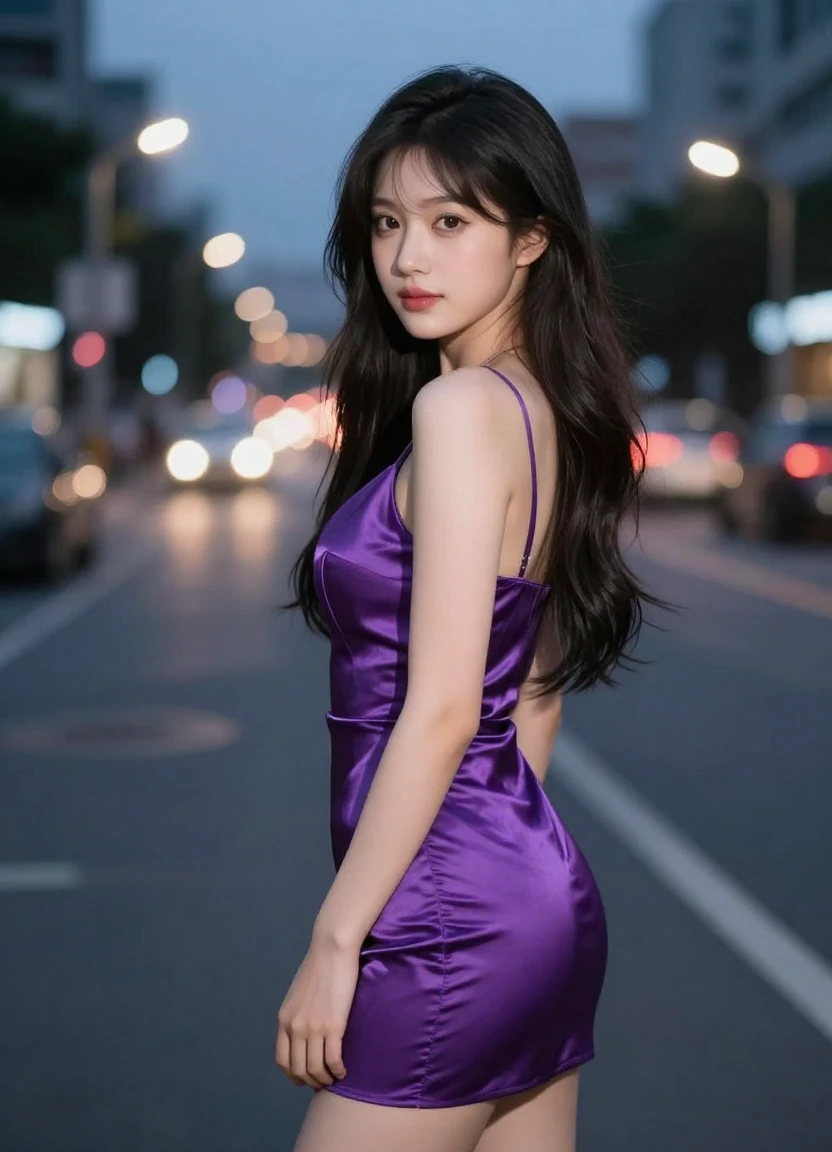
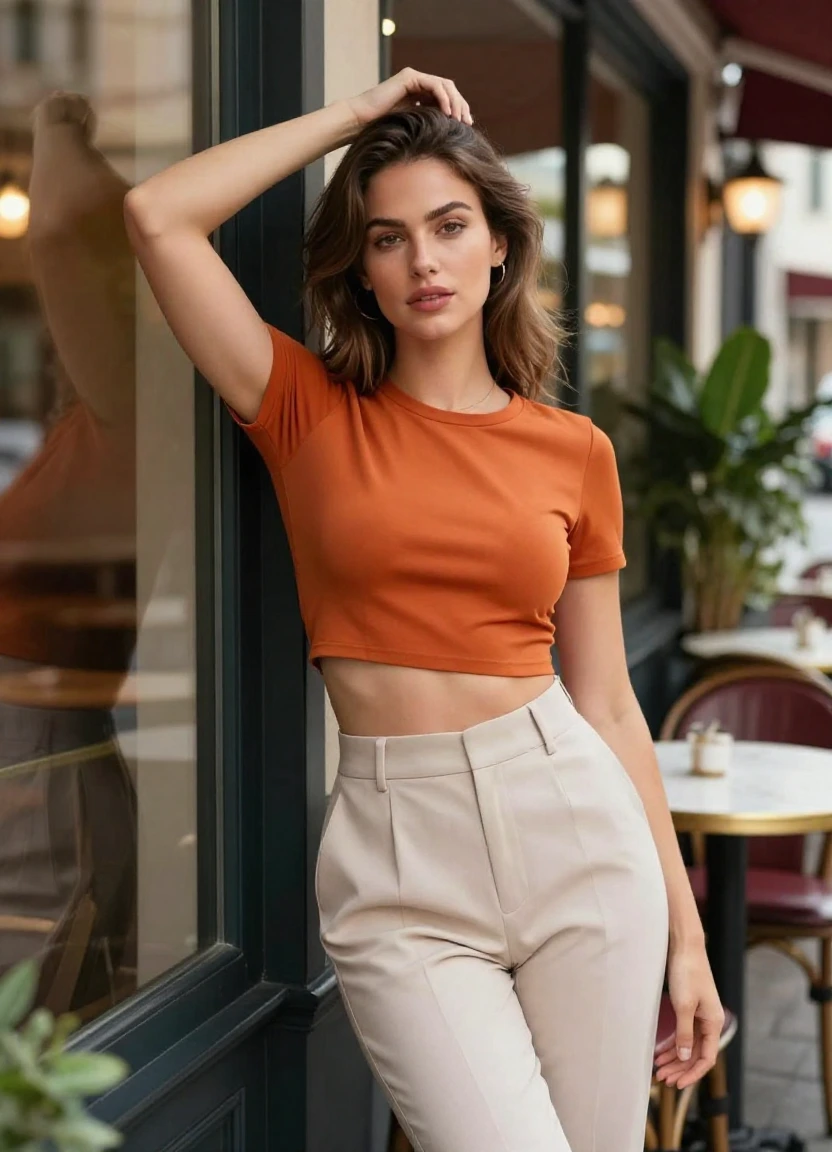
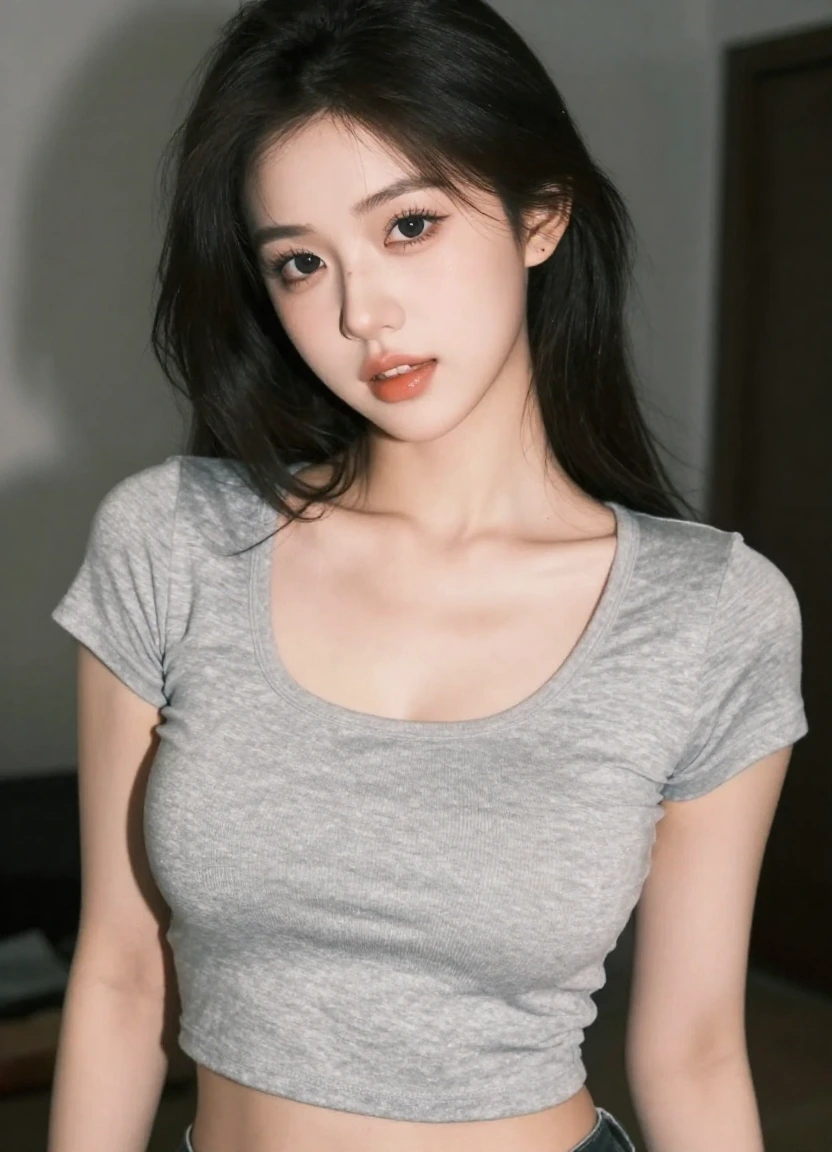
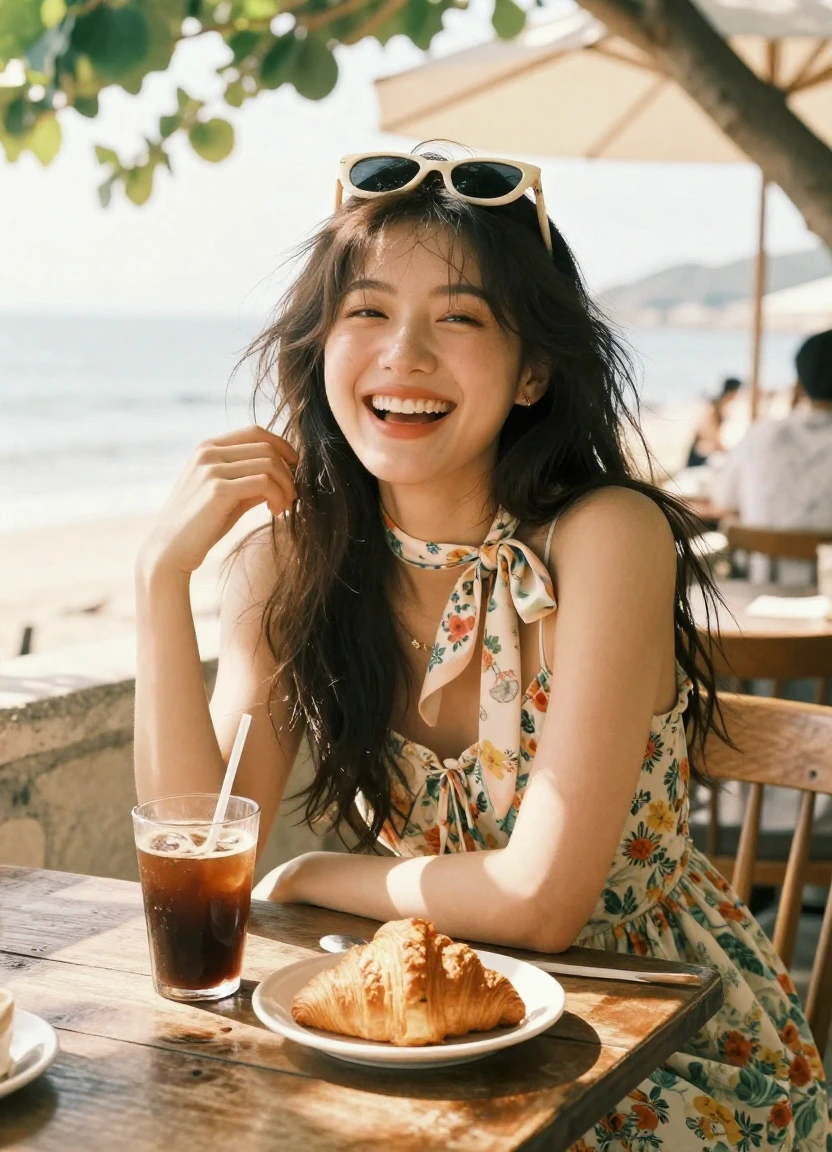
SOTA AI Video
SOTA AI Image Generator
Generate images from prompts with leading models. Compare instruction following, visual style, aspect ratio, resolution, format, and cost.
Match a SOTA image model to the visual brief
Choose for photorealism, illustration, typography, instruction following, or speed, then compare aspect ratio, resolution, format, and credit cost.

GPT-4o Image
GPT Image 2

Nano Banana Pro
Nano Banana 2
Seedream 5.0 Lite
Seedream 4.0
Nano Banana

Flux Kontext Pro
Flux Kontext Max

Grok Imagine Image
Text to Image generator
Text to image examples
Try prompt styles for portraits, products, posters, illustrations, brand visuals, and concept art.
Use cases for every creator
Text to image use cases
Use prompt-generated images to explore concepts, fill campaigns, and create visual options before production.
Product concepts
Mock up product visuals, packaging ideas, hero shots, and launch imagery before a full shoot.
Social content
Generate scroll-stopping images for posts, thumbnails, story cards, and creator campaigns.
Concept art
Explore characters, scenes, moods, and worlds quickly while keeping art direction flexible.
Brand visuals
Create mood-driven assets for ads, landing pages, newsletters, and product storytelling.
Models for every visual direction
Choose the right model for each visual direction
Use faster models for ideation and premium image models when you need richer detail, stronger instruction following, or more polished output.
Versatile Text to Image workflows
Create images for product, social, and brand work
Generate controlled visual directions, compare model strengths, then refine prompt, composition, resolution, and format for the target channel.
Product visuals
Create polished product shots, campaign images, and visual variations without a full shoot.
Style and scene transfer
Use prompts and references to shift mood, styling, scene, background, and art direction.
Campaign-ready layouts
Build posters, covers, layouts, and branded images with clearer composition and typography guidance.
Multi-format output
Prepare assets for social, ads, landing pages, stores, thumbnails, and campaign variants.
Text to Image generator
How to use Text to Image
Define the result, add the required source material, compare the live model controls and credit estimate, then render a small test before scaling.
Write the visual brief
Describe the subject, setting, style, lighting, composition, and where the image will be used.
Choose output settings
Match the model to photorealism, typography, illustration, or speed, then choose ratio, resolution, and format.
Generate variations
Generate controlled variations, compare instruction following and composition, then refine the strongest visual direction.
Questions
Common questions before generating
What makes an AI image model SOTA?⌄
SOTA depends on the requirement: photorealism, typography, prompt following, reference consistency, illustration, speed, or cost. Choose against the deliverable instead of a single overall ranking.
How do I write a better text-to-image prompt?⌄
Describe the subject, environment, composition, camera or viewpoint, lighting, materials, color direction, style, required text, and final use. Separate must-have constraints from optional mood details.
How are credits charged?⌄
Each model estimates credit cost before generation. Higher resolution, longer duration, or audio-enabled video usually costs more.
Do credits expire?⌄
Credit rules depend on your plan or purchase. Your current balance is shown before you generate.
How long does generation take?⌄
Most short generations take a few minutes, but queue load, duration, resolution, and model choice can affect timing.
Can I use generated media commercially?⌄
Most outputs are designed for commercial workflows such as ads, social posts, product pages, and launch assets. Always make sure you have rights to uploaded source materials.
Which formats are supported?⌄
Video tools return browser-ready video files. Image tools can generate common image formats such as PNG, JPG, or WebP depending on model support.
Where do my generations go?⌄
Use the dedicated tool pages for focused creation, then review every finished task in Creations from your account.
What if a generation fails?⌄
If a generation fails, keep the task ID and contact support from your account. Failed tasks can be reviewed without exposing provider internals.
Can I cancel later?⌄
You can stop using credits at any time. Subscriptions and billing are managed from your account settings.
Is SOTA AI Image Generator free to try?⌄
New users can try SOTA AI Image Generator with available free starter credits, then add more credits or choose a plan when they need higher volume.
Will outputs have a watermark?⌄
Free generations include a small branded watermark. Paid generations and private outputs are watermark-free.
Who is responsible for rights and source assets?⌄
You are responsible for uploaded assets, prompts, and final usage. Avoid uploading materials you do not have permission to use.
Explore SOTA AI Video
Related AI video tools and model comparisons
Move between SOTA AI model comparison, image-to-video, text-to-video, motion transfer, image generation, and pricing in one workflow.
Choose a model, then create
Start with the output requirement, compare supported controls and cost, add references when needed, and generate in the browser.